07 · Plebum Dominium
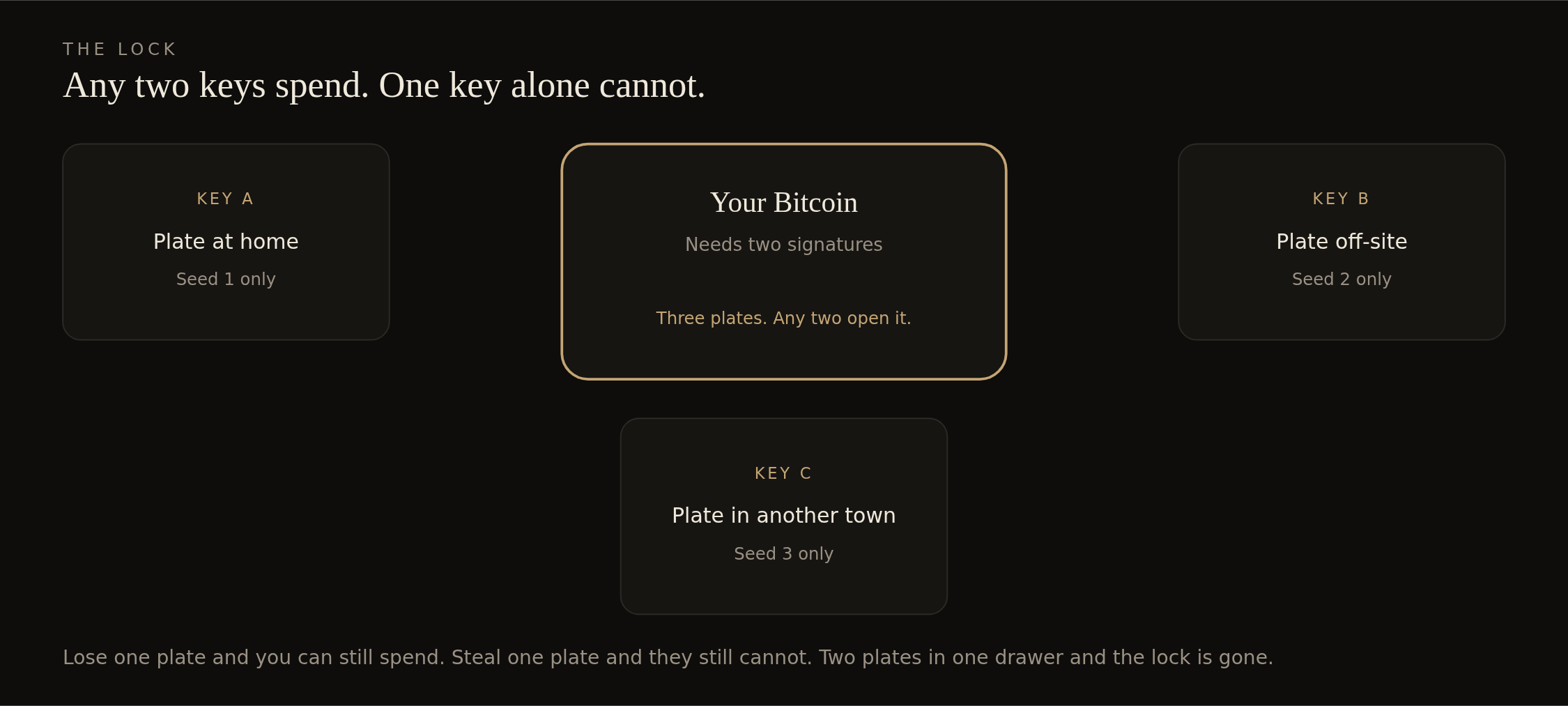
Build the 2-of-3
Sparrow 2.5.5 is the required version, and the signing is done on the Tails USB. Networking stays turned off for the entire session. The file on the data USB has to be named sparrowwallet-2.5.5-x86_64.tar.gz. That is the Linux file. The Windows installer and the Mac installer do not belong on that drive. The fingerprint and the signature are checked on the online computer first. Sparrow is not downloaded from inside Tails.
The terminal is not a test
A few lines that are printed here have to be typed. In Tails the Terminal is opened from the Applications menu at the top left. The screen shows something likeamnesia@amnesia:~$. The computer printed that. The line is typed after it. Enter is pressed. The prompt has to come back before the next line.
- The line is typed exactly. Spaces count.
- The ./ in front of Sparrow is not skipped.
- Zero and the letter O are not the same. Lowercase L and the number 1 are not the same.
- If the next line is red or says “No such file”, the work stops. A fix is not invented.
- Backspace is allowed. These lines cannot break Tails.
Launch Sparrow offline
- 01 · Tails is booted with networking set to Disabled. Tails is started.
- 02 · The archive is copied from the data USB to the Desktop.
- 03 · Terminal is opened. These four lines are typed, one at a time, with Enter after each:
$ cd ~/Desktop$ tar -xvf sparrowwallet-2.5.5-x86_64.tar.gz$ cd Sparrow$ ./bin/Sparrow
Wait 15–30 seconds. A Sparrow window should open. If it does, the terminal is finished for this session.
One seed per boot, then the public key
The vault is not built in this step. One public key is copied per boot. A public key is not the 24 words. It still shows the money later, so it goes on the data USB, not in a photo.
- 01 · Boot with networking off. Launch Sparrow. File → New Wallet.
- 02 · Multi Signature. Native Segwit. 2 of 3. This sets the path. It must read m/48'/0'/0'/2'. If it shows anything else, stop. Do not type a different path.
- 03 · Keystore 1 → New or Imported Software Wallet. Enter the 24 words for this seed only. Confirm the path again.
- 04 · On that keystore, export the xpub. Save it on the data USB as s1-xpub.txt, then s2, then s3. Do not Apply a finished wallet. Close Sparrow. Shut down. Wait for a dark screen.
- 05 · Repeat for Seed 2. Then for Seed 3. Three boots. One seed each. Never continue from the previous boot.
Build the 2-of-3 with no seed loaded
- 01 · Fresh Tails boot. Networking off. Launch Sparrow. Do not type a seed.
- 02 · File → New Wallet. Multi-signature. Native Segwit. 2 of 3.
- 03 · Import the three public keys from the data USB. Confirm the path still reads m/48'/0'/0'/2'.
- 04 · Export the output descriptor to the data USB. This is the wallet map. It watches. It cannot spend. Shut down.
- 05 · On the everyday computer, import that map into Sparrow as watch-only. This computer never holds a seed.
- 06 · Still offline, on a later boot, open the same map in Electrum with one seed. The first addresses must match Sparrow. If they differ, stop.
Sign in the airgap session
- 01 · Import the 2-of-3 wallet from the output descriptor, or restore one software keystore from one seed.
- 02 · File → Open Transaction → From File → select the .psbt.
- 03 · Read destination, amount, change, and fee against the written notes. Then sign.
- 04 · Export with a new filename such as tx-partial-s1.psbt. Close Sparrow. Shut Tails down fully.
Safety at home
- Keep networking disabled. If it is on, shut down and treat the session as burned.
- Load only one seed at a time. Seed 3 stays boxed unless Seed 1 or 2 is gone.
- The computer is shut down fully before the data USB is carried back to the online computer.
- Do not unlock Persistent Storage on a spend. Restore the one seed into RAM, sign, and shut down. Do not let Electrum keep the wallet on the USB.
- Test the whole path with a small amount before savings touch this wallet.
Next. Practice spend. Dust only. Savings stay where they are until dust has moved both ways.